
Job data is scattered. Companies post roles on their own careers pages, on applicant-tracking-system boards, and on niche job sites, and few of them offer a public API. If you're building a job board, a hiring-signal tool for sales, or an internal "who's hiring" tracker, you end up writing a scraper per source.
PulpMiner turns a public careers or job listings page into an API-key protected JSON endpoint. You define the fields once (title, location, department, employment type, apply link), and each call returns the current listings from the live page.
Who uses job-listing endpoints
- Job board and aggregator builders adding new sources without a parser per site.
- Sales and recruiting teams watching target companies' hiring as a buying or poaching signal.
- Researchers and analysts tracking roles, locations or salary mentions over time.
- Job seekers and communities building alerts for a shortlist of companies.
How to set it up
- Paste the careers page URL. Use the page that actually lists the roles, not the "Join us" landing page.
- Turn on JS rendering if the list loads after the page does. Many careers pages embed their job board with JavaScript.
- Focus the extraction. Add a CSS selector around the jobs list and a rule like "Extract every open role with title, team, location, employment type and the link to the job post."
- Edit the schema. Make sure each job is an item in an array, and add fields you care about (for example
remote: true/false). - Use URL variables for many companies on the same platform. If several companies use the same job-board layout with only the company slug changing, put the slug in a variable, such as
https://jobs.example-ats.com/{{ company }}. Then one endpoint covers all of them. - Save as API and call it on a schedule.
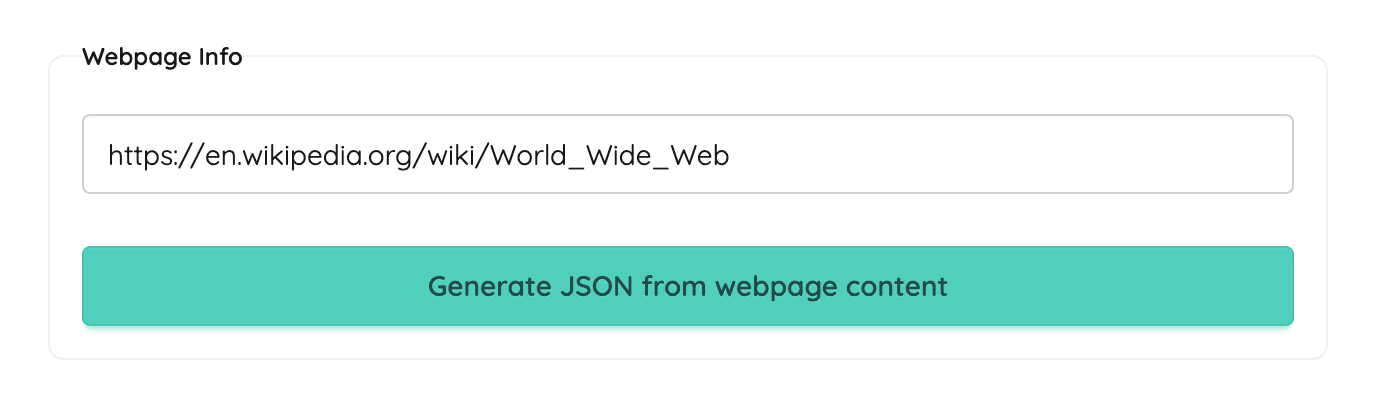
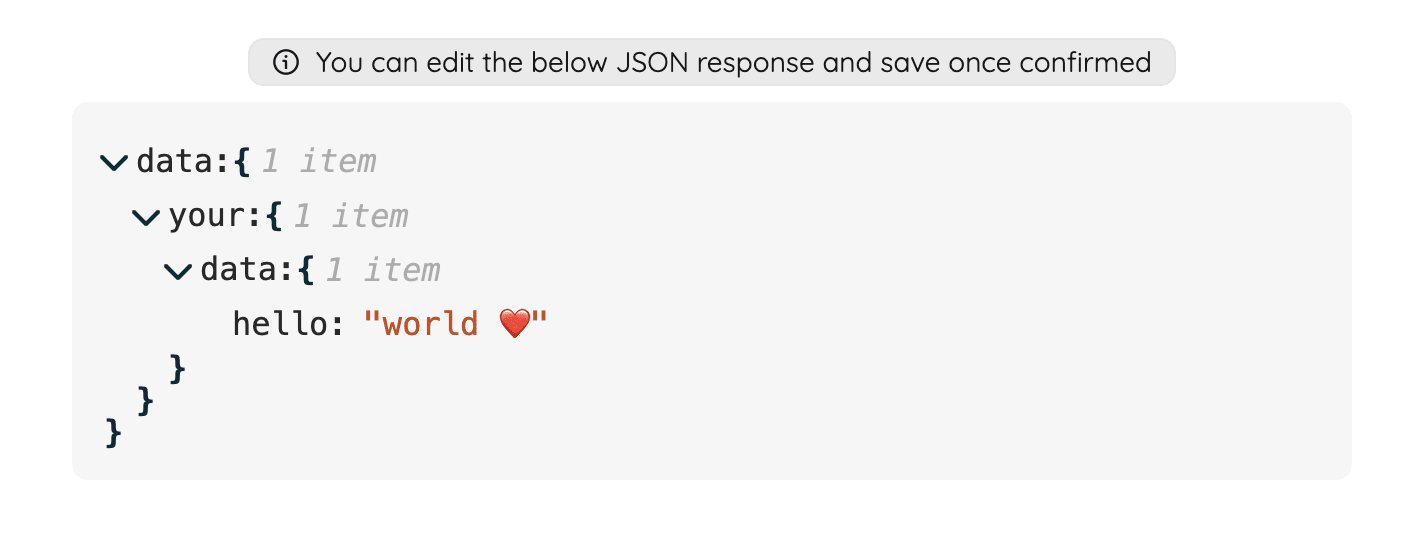
Example: one endpoint for many company boards
The endpoint is saved with URL template https://jobs.example-ats.com/{{ company }} and API ID 7070:
curl -X POST \
  -H "apikey: YOUR_API_KEY" \
  -H "Content-Type: application/json" \
  -d '{"company": "acme"}' \
  https://api.pulpminer.com/external/7070
{
"data": {
"company": "Acme",
"jobs": [
{ "title": "Senior Backend Engineer", "team": "Engineering", "location": "Remote (EU)", "type": "Full-time", "url": "https://jobs.example-ats.com/acme/123" },
{ "title": "Product Designer", "team": "Design", "location": "Bengaluru", "type": "Full-time", "url": "https://jobs.example-ats.com/acme/124" }
]
},
"errors": null
}Send {"company": "globex"} to get Globex's board through the same endpoint.
Detecting new roles
PulpMiner returns the current list on every call. Spotting what's new is a simple diff on your side:
- Call the endpoint on a schedule (daily is plenty for most hiring signals).
- Use each job's
urlas its unique key. - Compare against yesterday's stored set. Anything new is a new role, and anything missing was filled or removed.
In n8n: Schedule Trigger → PulpMiner (POST, API ID, {"company": "{{ $json.company }}"}) → Compare Datasets / Code → Slack.
In Zapier: Schedule by Zapier → PulpMiner "Use a POST API" → Storage/Code step → Slack or Google Sheets.
Limitations
- Public pages only. Internal job portals or anything behind a login aren't supported.
- Pagination. If a board splits roles across pages and the page number is in the URL, make it a variable and call each page. Infinite-scroll lists may only expose what loads first.
- LLM-driven extraction. Validate that each job has a title and a URL before you store it.
- Terms of use. Some job sites restrict automated access. Prefer company-owned careers pages and check terms before you collect at scale.
Pricing
| Action | Credits | With JS rendering |
|---|---|---|
| Generate the schema | 0.25 | 0.35 |
| Each call (one board or page) | 0.4 | 0.5 |
Daily checks on 50 company boards come to about 1,500 calls a month, roughly 600–750 credits depending on JS rendering. Credits are pay-as-you-go, never expire, and there's no subscription. Packs start at $30 for 600 credits. New accounts get 5 free credits, no card needed.
FAQ
Can it read careers pages built with JavaScript?
Yes. Enable JS rendering when you create the API. Calls then cost 0.5 credits.
Can I get the full job description too?
Yes. Create a second endpoint for a single job post page, with the job ID or slug as a URL variable, and call it for the roles you care about.
Do I need a separate API per company?
Not if they share a layout. Put the company identifier in a URL variable. For companies with completely different careers pages, create one endpoint per layout.
How fresh is the data?
With caching off, each call reads the live page. With caching on, you may get data up to 15 minutes old.
Can I push results to Google Sheets or Airtable?
Yes, through n8n or Zapier. You can also use the PulpMiner Google Sheets add-on with a column of careers page URLs.