
The standard way to scrape in n8n is an HTTP Request node to fetch the page, then an HTML node with CSS selectors to pull out fields. Then usually a Code node to stitch the arrays back into records. It works well on static, server-rendered pages. It gets painful when:
- the page renders its data with JavaScript, so the HTML node finds nothing
- the site changes its markup and your selectors silently return empty arrays
- you need the same data shape from many similar pages
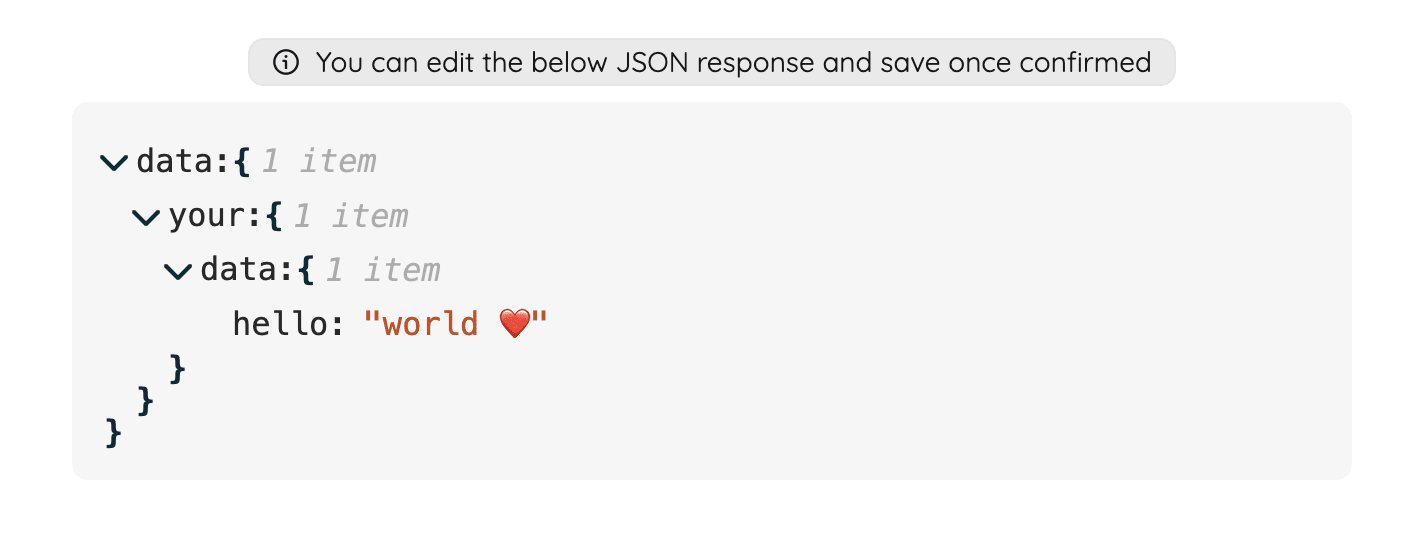
PulpMiner moves the extraction out of your workflow. You turn the page into a JSON API once, in the browser, with an AI-generated schema you can edit. Then your n8n workflow makes one call and gets clean JSON back.
How it fits into n8n
- Create the API in PulpMiner. Paste the URL, pick a scraper and an LLM, optionally add a CSS selector and a plain-English extraction rule, edit the JSON schema, and save. Turn on JS rendering for dynamic pages.
- Install the community node. In n8n go to Settings → Community Nodes → Install and enter:
It requires n8n 1.113.3 or newer. You may need to restart n8n.@pulpminercom/n8n-nodes-pulpminer - Add credentials. Paste your PulpMiner API key into a new PulpMiner credential.
- Add the PulpMiner node. Choose GET for a fixed URL, or POST if you set up dynamic URL variables. Enter the numeric API ID (the number after
/external/in your endpoint URL). - Execute. The structured JSON appears in the output pane, ready for IF, Merge, Sheets, Slack or database nodes.
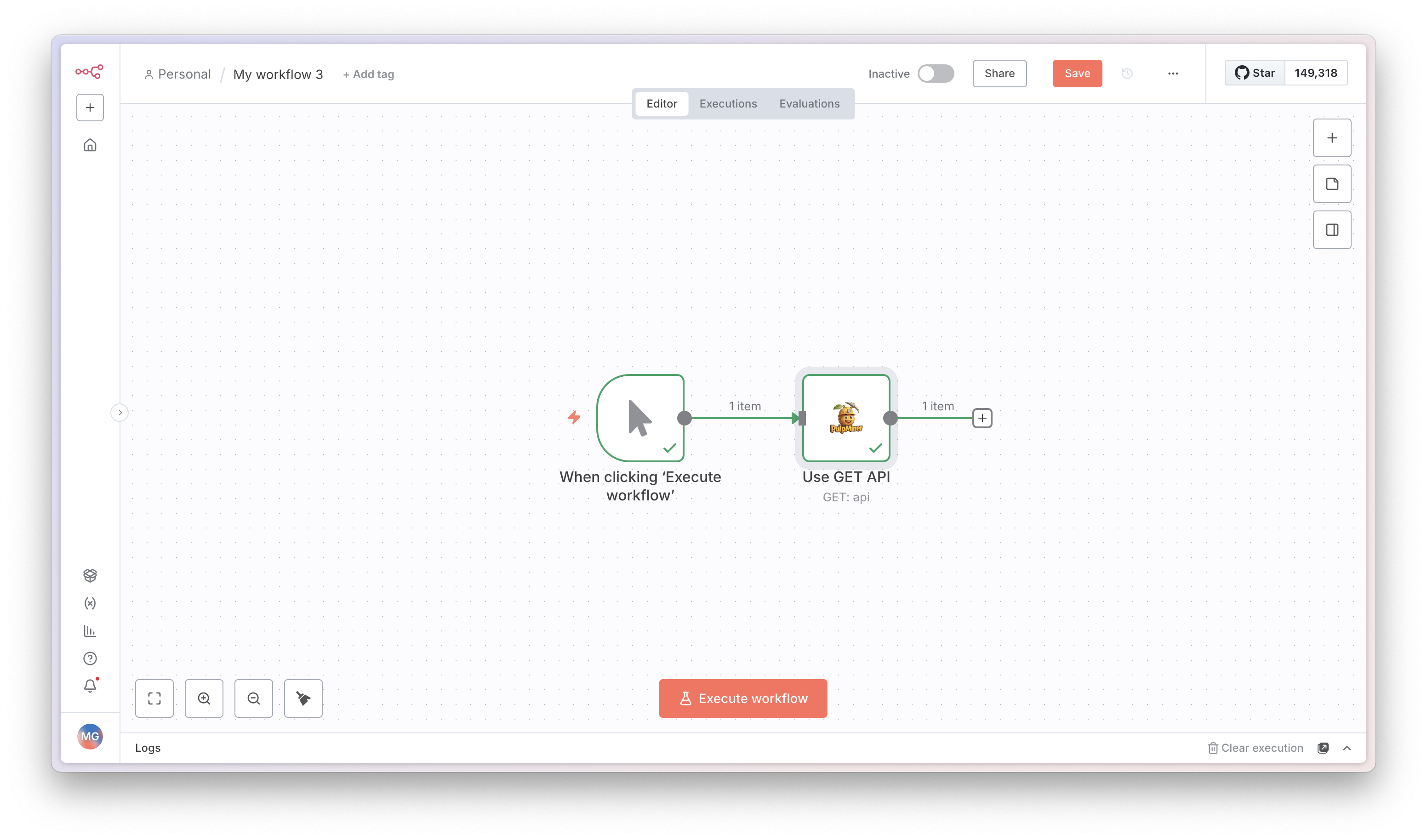
Example: daily headlines to email
566 and the response values are illustrative.Before wiring it into n8n, check the endpoint with curl:
curl -H "apikey: YOUR_API_KEY" \
  https://api.pulpminer.com/external/566
{
"data": {
"articles": [
{ "headline": "City council approves new bike lanes", "url": "https://news.example.com/a/101", "publishedAt": "2026-10-10" },
{ "headline": "Local library extends weekend hours", "url": "https://news.example.com/a/102", "publishedAt": "2026-10-10" }
]
},
"errors": null
}Workflow:
Schedule Trigger (daily, 9 AM) → PulpMiner (GET, API ID 566) → Code (format data.articles into a list) → Send Email.
Example: one endpoint, many pages (POST + expressions)
If you saved the API with a URL template like https://store.example.com/p/{{ productId }}, use POST in the node and pass values from earlier nodes with n8n expressions:
{
  "productId": "{{ $json.productId }}"
}
Combine it with Loop Over Items to run the same endpoint for every row from a sheet or database. Each item becomes one call.
Handling errors in the workflow
Every response has the same shape: data plus errors. After the PulpMiner node, add an IF node that checks whether {{ $json.errors }} exists:
- true → route to Slack or email so you know a page failed (for example "invalid key", "no data", or "No credits left")
- false → continue processing
data
Also validate the fields you rely on, for example that price is a number. Extraction is LLM-driven and can occasionally miss a field.
HTTP Request + HTML node vs the PulpMiner node
| HTTP Request + HTML node | PulpMiner node | |
|---|---|---|
| JavaScript-rendered pages | Not with the plain HTTP Request node | Yes, with JS rendering on the API |
| Where extraction lives | CSS selectors inside the workflow | An editable JSON schema in PulpMiner |
| Cost | Free (your n8n compute) | 0.4 credits per call (0.5 with JS rendering) |
| Best for | Static pages you control or know well | Dynamic pages, many similar pages, faster setup |
If the HTTP + HTML approach works reliably for your page, it's free and you should keep it. PulpMiner earns its place when selectors become a maintenance job.
Pricing
Pay-as-you-go credits, no subscription, and credits never expire. Each workflow execution that calls PulpMiner uses 0.4 credits (0.5 with JS rendering). Generating a schema is 0.25 (0.35). Packs start at $30 for 600 credits. New accounts get 5 free credits, no card needed.
For budgeting, an hourly schedule is about 720 executions a month per endpoint, roughly 290–360 credits.
FAQ
Does it work on self-hosted n8n?
The community node installs through Settings → Community Nodes on n8n 1.113.3 or newer. Self-hosted instances need community nodes enabled.
Do I need the node, or can I use HTTP Request?
Either works. The PulpMiner endpoint is a normal HTTPS endpoint with an apikey header, so the HTTP Request node can call it too. The community node just saves setup.
Can I pass data from a webhook into the scrape?
Yes. Set up dynamic URL variables, choose POST, and map webhook fields into the body with expressions.
Is the data fresh on every run?
Yes, with caching off. With caching on, you may get data up to 15 minutes old while a background refresh runs.
What about Zapier or Make?
There's a native Zapier app ("Use a GET API" / "Use a POST API"). There's no Make app, but Make's HTTP module can call the endpoint like any other HTTP API.