
Price monitoring sounds simple: check a page, read the price, store it. In practice every store marks up its pages differently, many render prices with JavaScript, and a redesign can break your selectors overnight.
PulpMiner turns a public product page (or a category page with many products) into an API-key protected JSON endpoint. You decide the fields: price, currency, inStock, title, whatever you need. Each call fetches the page again, so your price checks run against the live page.
Who this is for
- Developers building price trackers or comparison tools who want to add a new store without writing a new parser.
- E-commerce and procurement teams watching competitor or supplier prices.
- Automation builders who want a "price dropped → send alert" workflow in n8n or Zapier.
How to set up a price endpoint
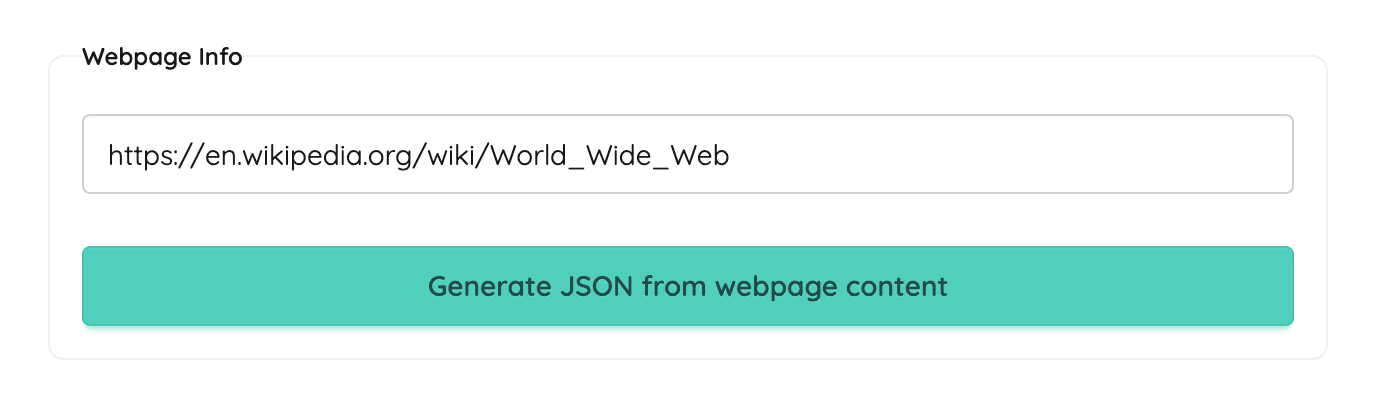
- Paste the product URL into PulpMiner.
- Turn on JS rendering if the price only appears after the page loads. (You can tell because the price is missing from "view source".)
- Narrow the input with a CSS selector around the product block, such as
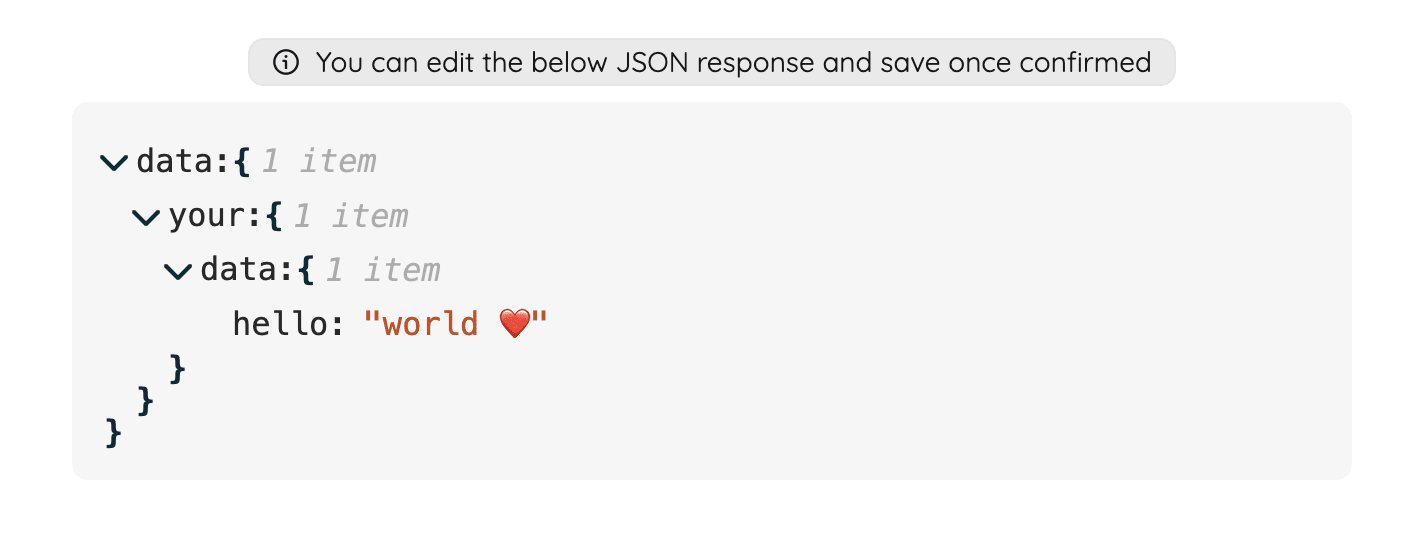
.product-detail. Add a rule like "Extract product title, current price as a number, currency code and whether it is in stock." - Review the JSON schema the AI drafts. Make
pricea number, not a string with a currency symbol, so your comparisons are easy. - Enable dynamic variables if you track many products on the same store. Replace the product part of the URL with a variable, such as
https://store.example.com/p/{{ sku }}. - Save as API. Call it from your code, a cron job, or an automation tool.
Example: one endpoint for every product on a store
The endpoint is saved with the URL template https://store.example.com/p/{{ sku }} and API ID 2048:
curl -X POST \
  -H "apikey: YOUR_API_KEY" \
  -H "Content-Type: application/json" \
  -d '{"sku": "WH-1000"}' \
  https://api.pulpminer.com/external/2048
{
"data": {
"title": "Wireless Headphones WH-1000",
"price": 79.99,
"currency": "USD",
"inStock": true,
"seller": "Example Store"
},
"errors": null
}To track a different product, send a different sku. There's no new endpoint and no new scraper.
Building a price-drop alert
In code: run a scheduled job that calls the endpoint for each SKU, compares data.price with the last stored value, and sends a notification when it drops below your threshold.
In n8n: Schedule Trigger → PulpMiner node (POST, your API ID, body {"sku": "{{ $json.sku }}"}) → IF node (price < threshold) → Slack or Email.
In Zapier: Schedule by Zapier → PulpMiner "Use a POST API" → Filter by Zapier → Slack/Email.
Before scheduling, work out the cost. An hourly check on one product is about 720 calls a month, or roughly 290–360 credits depending on JS rendering.
Category pages vs product pages
- Category or search pages give you many products per call. That's useful for "what does this store list in category X right now?" Ask the AI for an array, such as "Extract all products with name, price and URL."
- Product pages give you more detail per product (stock, variants, seller) and work well with URL variables.
Many teams use both: a category page to discover products, and a product endpoint to watch the ones that matter.
Limitations to know
- LLM-driven extraction. Most of the time the price comes back clean. Still, validate that
priceis a number and isn't empty before you act on it. - Public pages only. Member prices behind a login aren't supported.
- Store terms. Some retailers restrict automated access in their terms. Check before you monitor a site, and keep request rates reasonable.
- Caching. For price checks you usually want caching off, so each call reads the live page. Caching serves data up to 15 minutes old. Per the docs it doesn't change the credit cost per request.
Pricing
| Action | Credits | With JS rendering |
|---|---|---|
| Generate the schema (once per endpoint) | 0.25 | 0.35 |
| Each price check (API call) | 0.4 | 0.5 |
Credits are pay-as-you-go, never expire, and there's no subscription. Packs start at $30 for 600 credits, about $0.02 per standard call. New accounts get 5 free credits, no card needed.
FAQ
Can it handle prices rendered with JavaScript?
Yes. Turn on JS rendering when you create the endpoint. Calls then cost 0.5 credits instead of 0.4.
Can one endpoint track many products?
Yes, with dynamic URL variables. Put the product ID or slug in the URL template and POST it on each call.
Does it return the price as a number?
It returns whatever your schema defines. Edit the schema so price is numeric and currency is a separate field.
How often can I check prices?
As often as your credits and the target site's terms allow. Each call is a fresh fetch (with caching off) and costs credits, so schedule only what you need.
Is there a free trial?
New accounts get 5 free credits, no card needed. That's enough to set up an endpoint and run a handful of checks.