
Plenty of useful data lives on web pages that have no API, no export button and no RSS feed: product catalogues, directories, schedules, public notices, listings. The usual fix is to write a scraper. Then you maintain it, because the markup keeps changing.
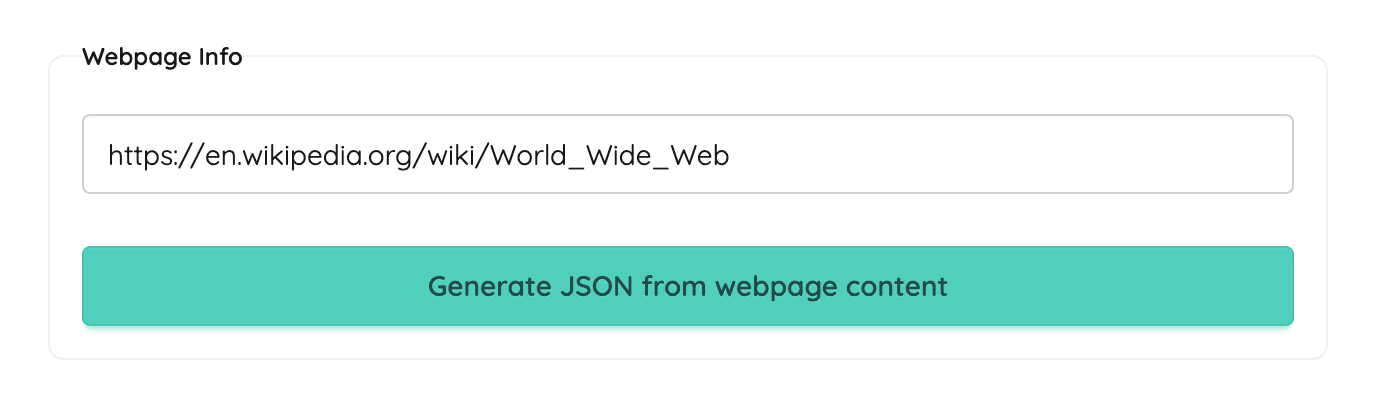
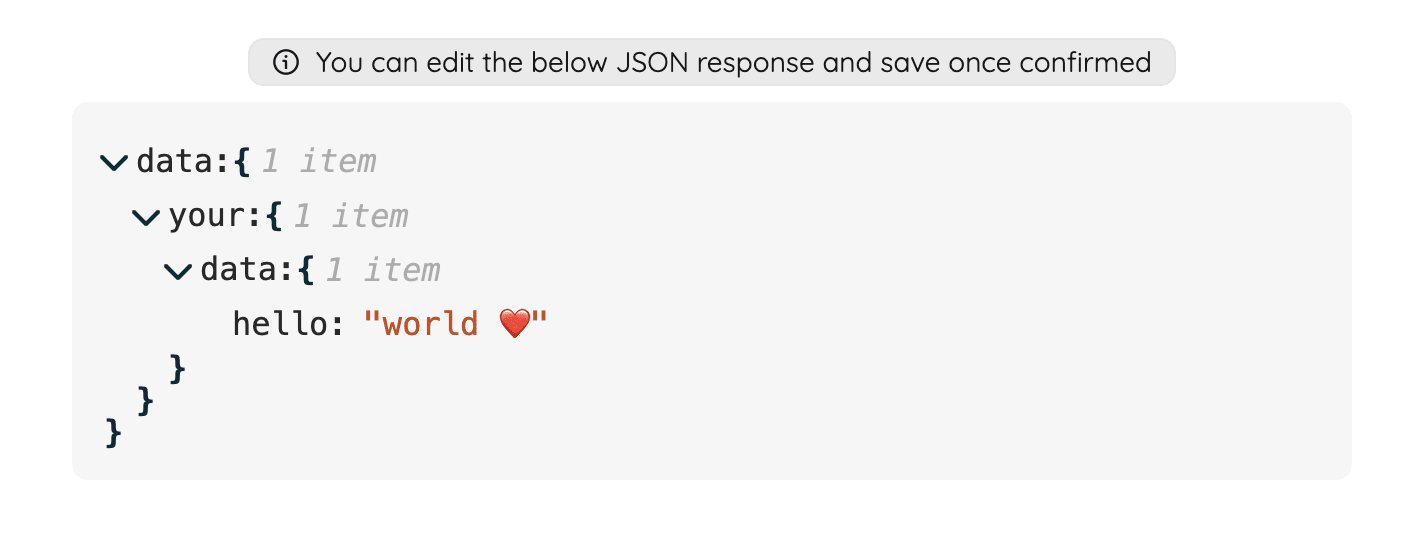
PulpMiner takes a different route. You give it a URL, and AI reads the page and drafts a JSON structure for the data on it. You edit that structure until it's right, and PulpMiner gives you an endpoint. Each call to that endpoint fetches the page again and returns JSON in your shape.
How it works
- Paste a URL. Any public page works: a product page, a listing page, a table of results.
- Pick a scraper and an LLM. PulpMiner has a few numbered scrapers, each suited to different kinds of pages, and you choose the model that generates the JSON (for example Gemini or GPT-4). If one combination gives messy output, try another.
- Focus the extraction (optional). Add a CSS selector such as
#productsor.main-contentso the AI only reads the part of the page that matters. You can also write a plain-English rule, like "Extract every product with name, price and link." - Edit the JSON schema. The AI-generated structure opens in an editor. Rename fields, remove ones you don't need, or reshape it to match your app.
- Save as API. You get
https://api.pulpminer.com/external/{api_id}. It's an API-key protected endpoint that you call with anapikeyheader.
What you can configure
- JS rendering: for single-page apps and pages that load content with JavaScript. PulpMiner renders the page before extracting.
- Dynamic URL variables: turn parts of the URL into variables, such as
https://example.com/{{ productId }}/details. Then send the values in a POST body, so one endpoint covers many pages. - Session mode (Scraper 1): connects to the site's origin before requesting the target page. This is useful for some .gov websites and domains that set a session first.
- Optional caching: with caching on, you get cached data if it's under 15 minutes old. Older data is still returned while a refresh runs in the background. With caching off, every call fetches the page fresh.
- Integrations: an n8n community node, a native Zapier app, and a Google Sheets add-on for people who'd rather not write HTTP calls.
Example: a product listing page as an API
Say the page at https://shop.example.com/headphones lists products, and you saved it as an API with ID 1234.
curl -H "apikey: YOUR_API_KEY" \
  https://api.pulpminer.com/external/1234
{
"data": {
"products": [
{ "name": "Wireless Headphones X1", "price": 79.99, "currency": "USD", "inStock": true, "url": "https://shop.example.com/p/x1" },
{ "name": "Studio Headphones S2", "price": 129.00, "currency": "USD", "inStock": false, "url": "https://shop.example.com/p/s2" }
]
},
"errors": null
}If the page takes a variable (for example a category), save it with dynamic variables and POST the value:
curl -X POST -H "apikey: YOUR_API_KEY" -H "Content-Type: application/json" \
  -d '{"category": "headphones"}' \
  https://api.pulpminer.com/external/1234
On failure, data is null and errors says why (for example "invalid key").
When PulpMiner is a good fit (and when it isn't)
Good fit:
- You need structured data from a handful of public pages, or from many pages that share a layout.
- You want an HTTP endpoint you can call from your app, a cron job, n8n or Zapier.
- You'd rather edit a JSON schema than maintain selectors in code.
Not a good fit:
- Pages behind a login. PulpMiner is built for public pages. Session mode helps with some session-gated sites, but it isn't a login scraper.
- Workloads that need deterministic, byte-for-byte identical parsing. Extraction is LLM-driven, so validate the response shape on your side.
- Sites whose terms forbid automated access. Check the terms and robots policy of any site you point it at.
Pricing
PulpMiner uses pay-as-you-go credits with no subscription, and credits never expire.
| Action | Credits | With JS rendering |
|---|---|---|
| Generate a JSON schema from a page | 0.25 | 0.35 |
| One API call | 0.4 | 0.5 |
Credit packs start at $30 for 600 credits, which works out to about $0.02 per standard call. New accounts get 5 free credits, no card needed, which is enough to generate a schema and make a few test calls. There's also an enterprise tier with custom pricing.
FAQ
Is the data live?
Yes, if caching is off. Each call fetches the page again. With caching on, responses can be up to 15 minutes old while a background refresh runs.
Does caching reduce my credit usage?
Don't plan on it. The caching docs say each request costs the same credits. Caching is about response speed, not cost.
What happens when the website changes its layout?
Because the extraction is driven by an LLM and your schema rather than hard-coded selectors, small layout changes are often absorbed. That isn't guaranteed. If the output looks wrong, regenerate or adjust the schema, try a different scraper, or tighten the CSS selector.
How is the endpoint secured?
Every endpoint is API-key protected. Requests need an apikey header. Keep the key in environment variables, not in front-end code.
Can I use it from n8n or Zapier?
Yes. Install the @pulpminercom/n8n-nodes-pulpminer community node in n8n (version 1.113.3 or newer), or add the PulpMiner app in Zapier ("Use a GET API" / "Use a POST API").